
PWAdmin 6 — Perfect World server management and monitoring
PWAdmin 6 is a monitoring and management system for Perfect World servers. In version 6 the heavy lifting runs on the server, the program adapts to any server version without a rebuild, and you can give your team access with separate rights for each person.
What's new in 6.0
Any server, no rebuild
Packet structures are described in text schemas on the server side. To support a modified server, you edit the schema instead of waiting for a new build of the program. The packet_auto command detects the protocol version itself and, if needed, assembles a set of structures for your server. If you have the server sources, the rpcalls command builds the schema straight from rpcalls.xml. Fields the server owner added to the protocol are shown and saved by the character editor.
elements.data and tasks.data are read by the server part, so administrators no longer keep their own copies. When the files on the server change, every client gets the new data automatically.
Background jobs on the server
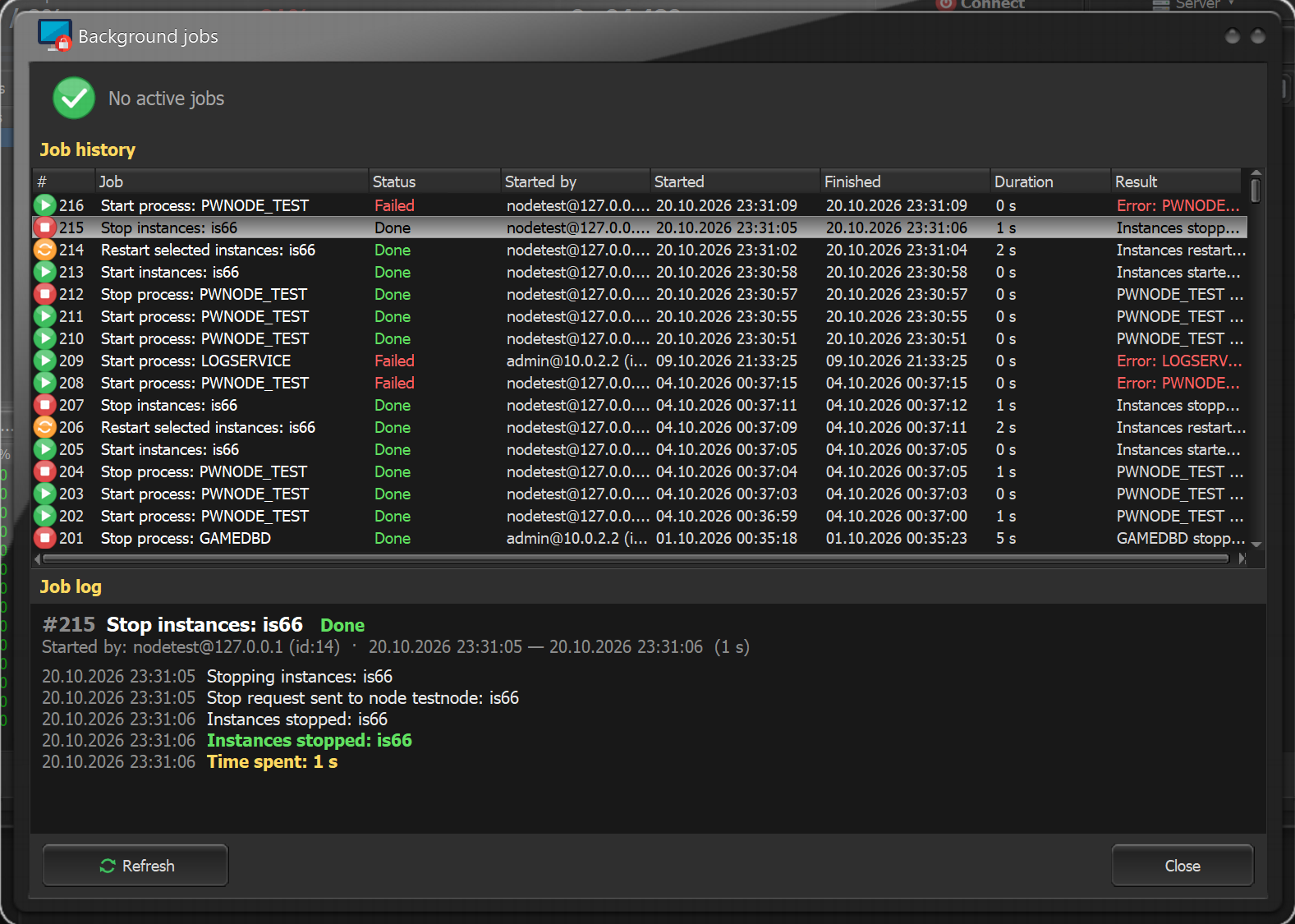
Starting and stopping the server, restarting and auto-starting instances, and backups are done by the server part. The client shows the progress, log and history of every job. You can stop a job, or close the client and the work goes on. Processes stop gracefully with a timeout, and the start and stop order is set by drag and drop.
Checks and searches across the whole database
New jobs go through every character together with account storehouses, mail and player shops:
- item search by id and conditions (count, maker, mask and more);
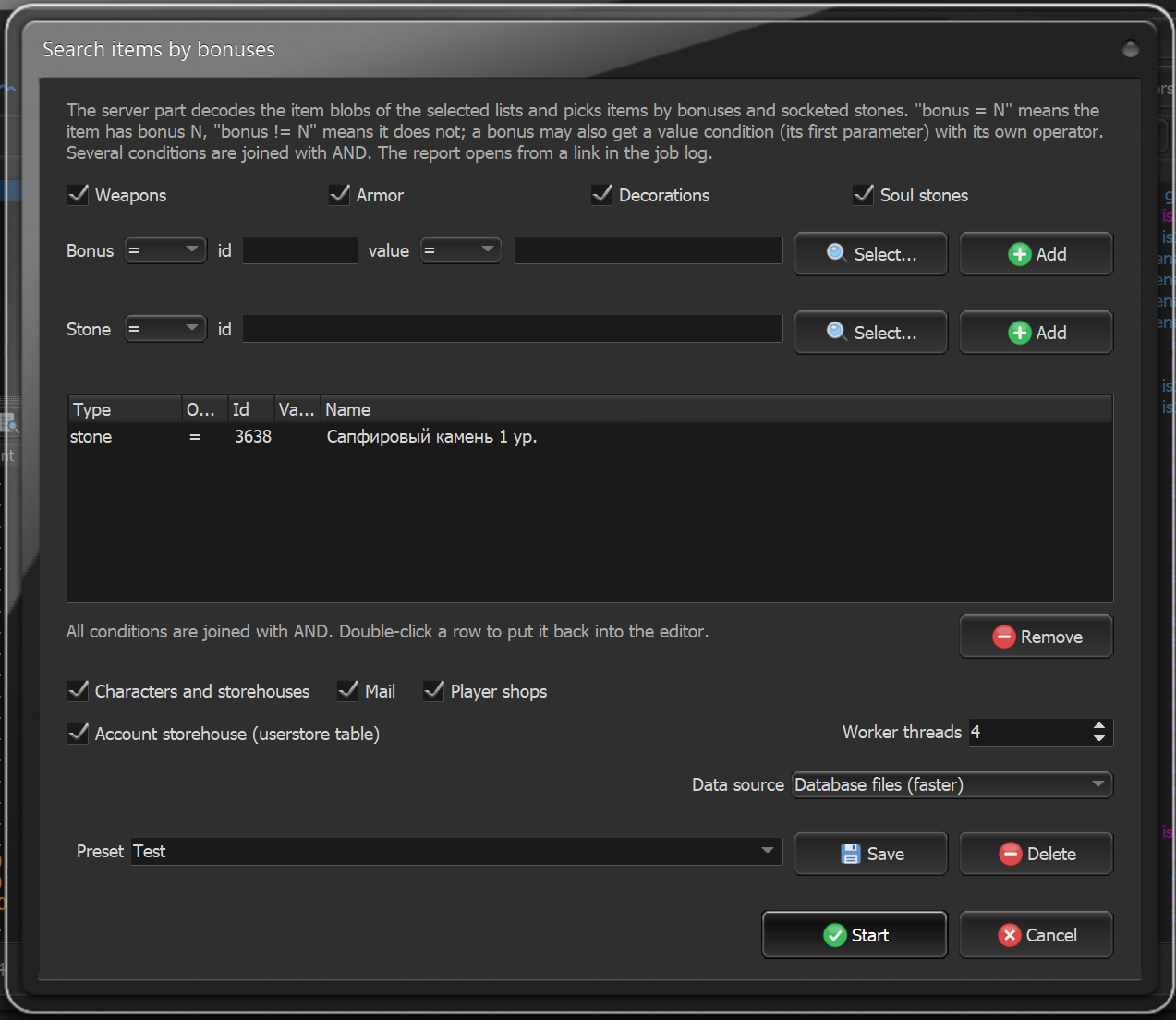
- weapon, armor and jewelry search by bonuses and socketed stones.
Data is read straight from the database files without loading gamedbd, about twice as fast as before. The result is a compact report with item names and summary tables, and condition sets can be saved as presets.
A team with different rights
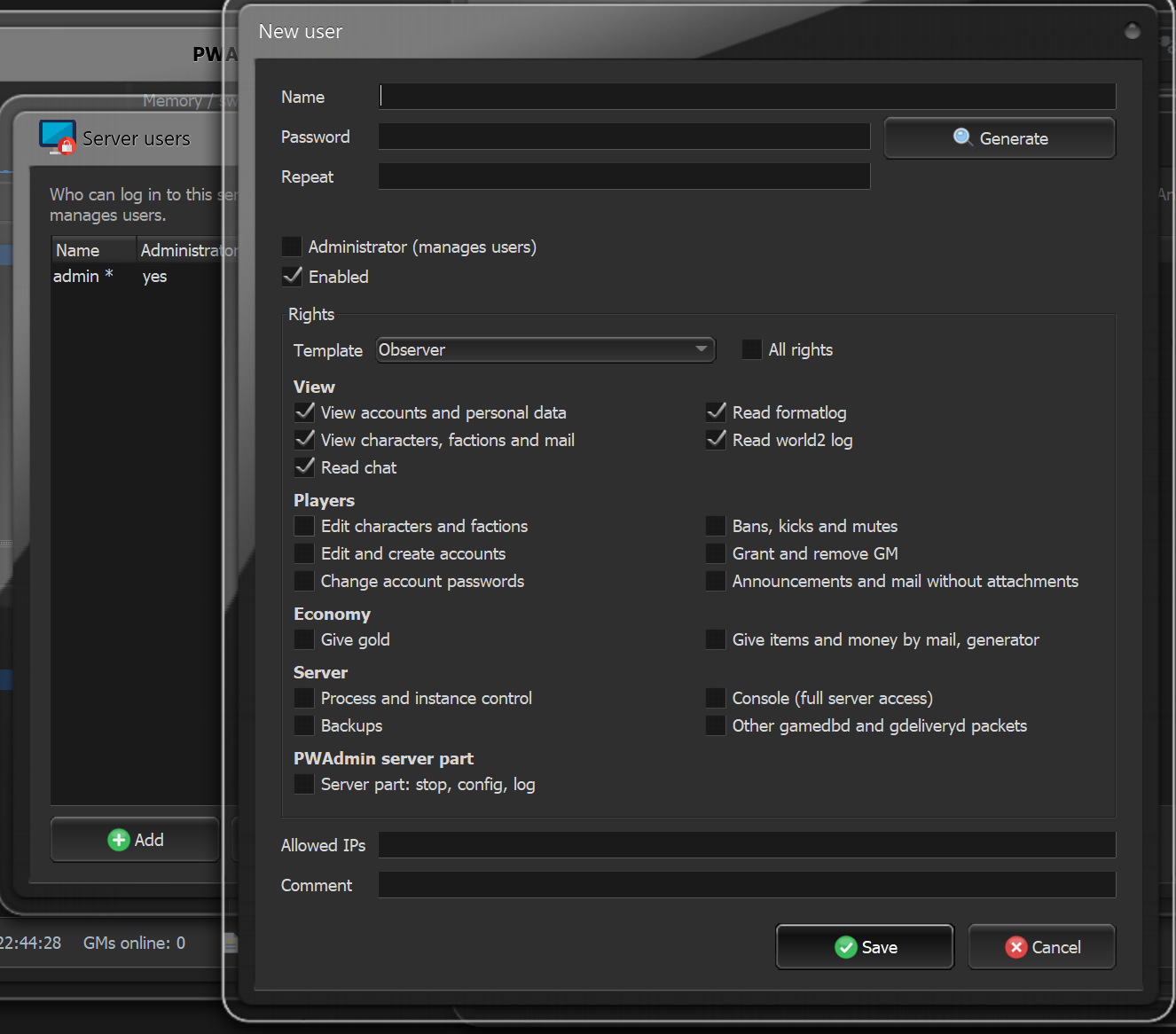
Sign-in is by users with passwords, and each user has their own rights: viewing separate from changes, players, economy, server. Ready-made templates are included: observer, moderator, support, game administrator. The password never travels over the network, and changes to game data are logged with the user's name.
Several machines
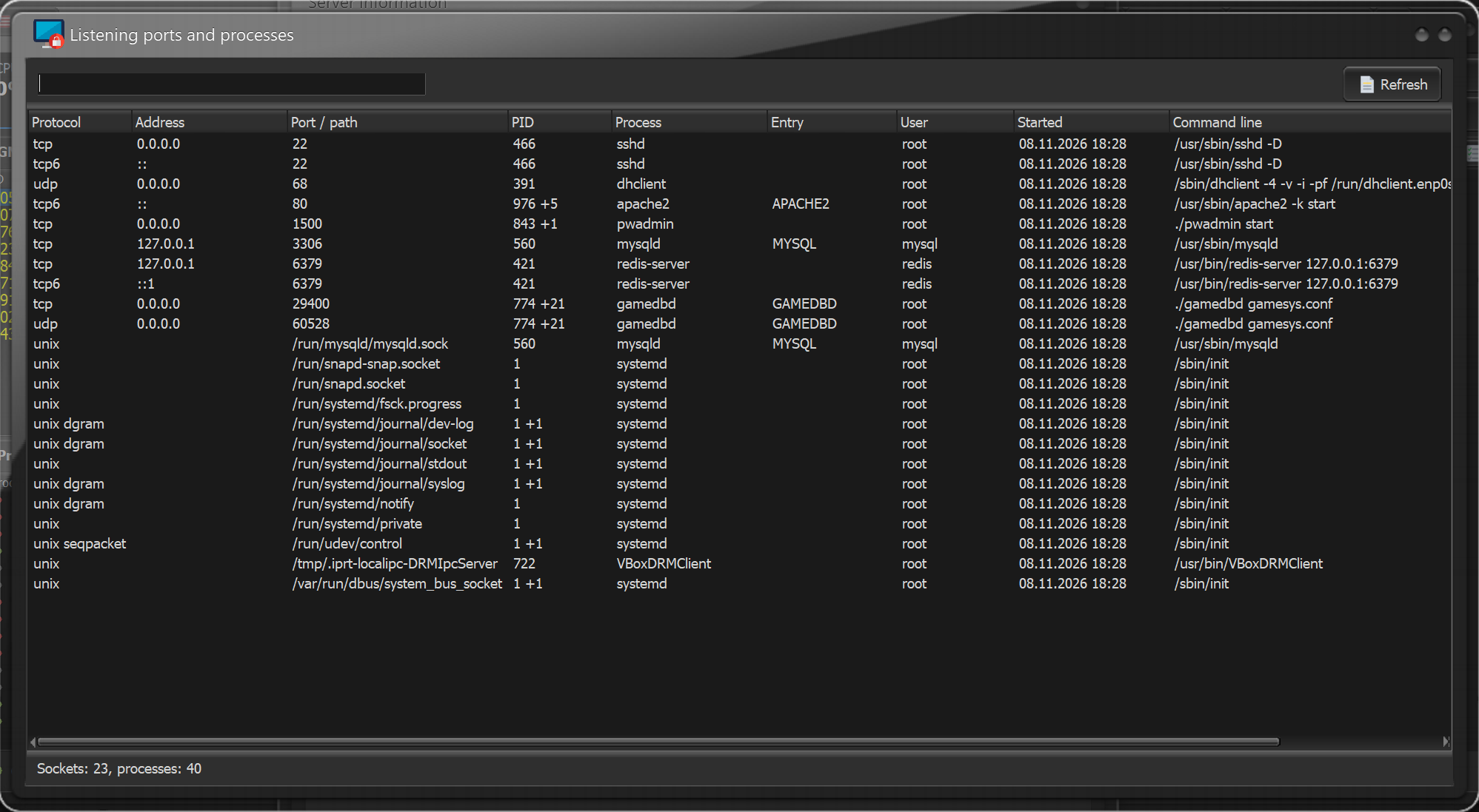
GLinkD, instances and other processes on separate servers are managed from the same window. A node machine only needs a small agent of about 0.7 MB with no external libraries, and its connection to the main server is encrypted. The Listening ports window shows which process holds which port on every machine.
Character editor and players
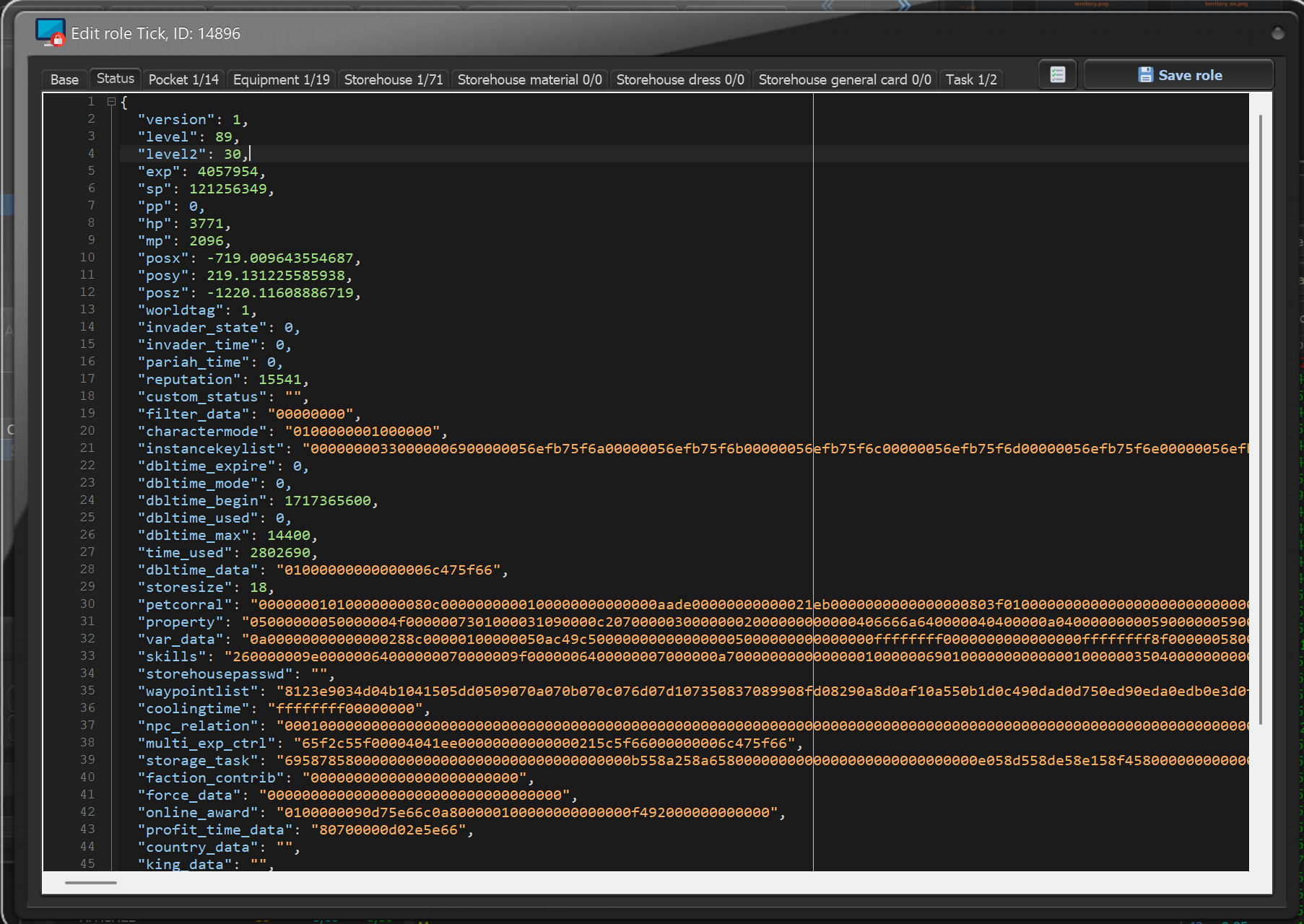
Any character tab can be opened as JSON and edited as text, with a schema check before saving. Also new: the player shop (items for sale, buy orders, storage), mail with several attachments and the second mailbox of modified servers, genie icons by level, and moving saved items between clients through the clipboard.
Logs and territories
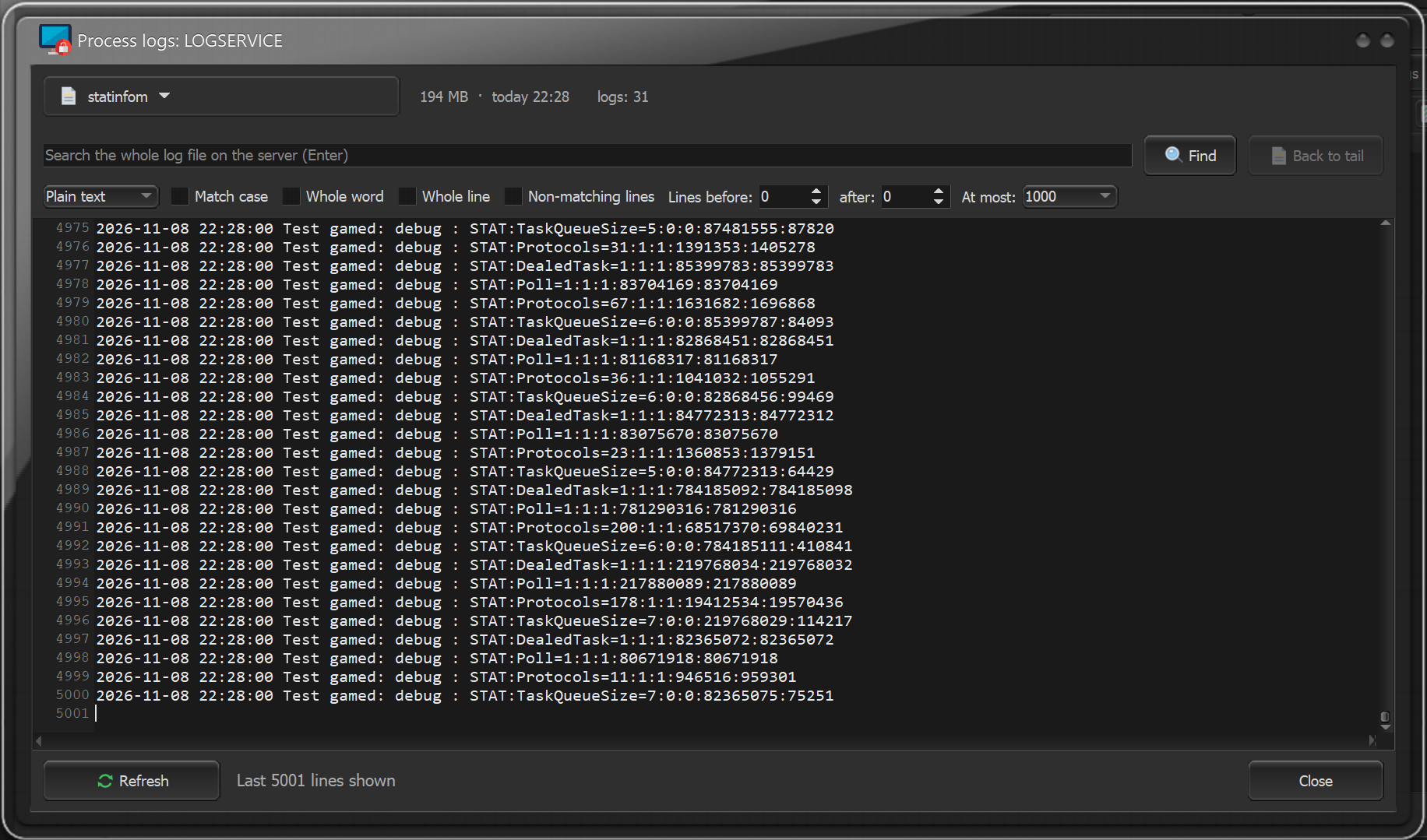
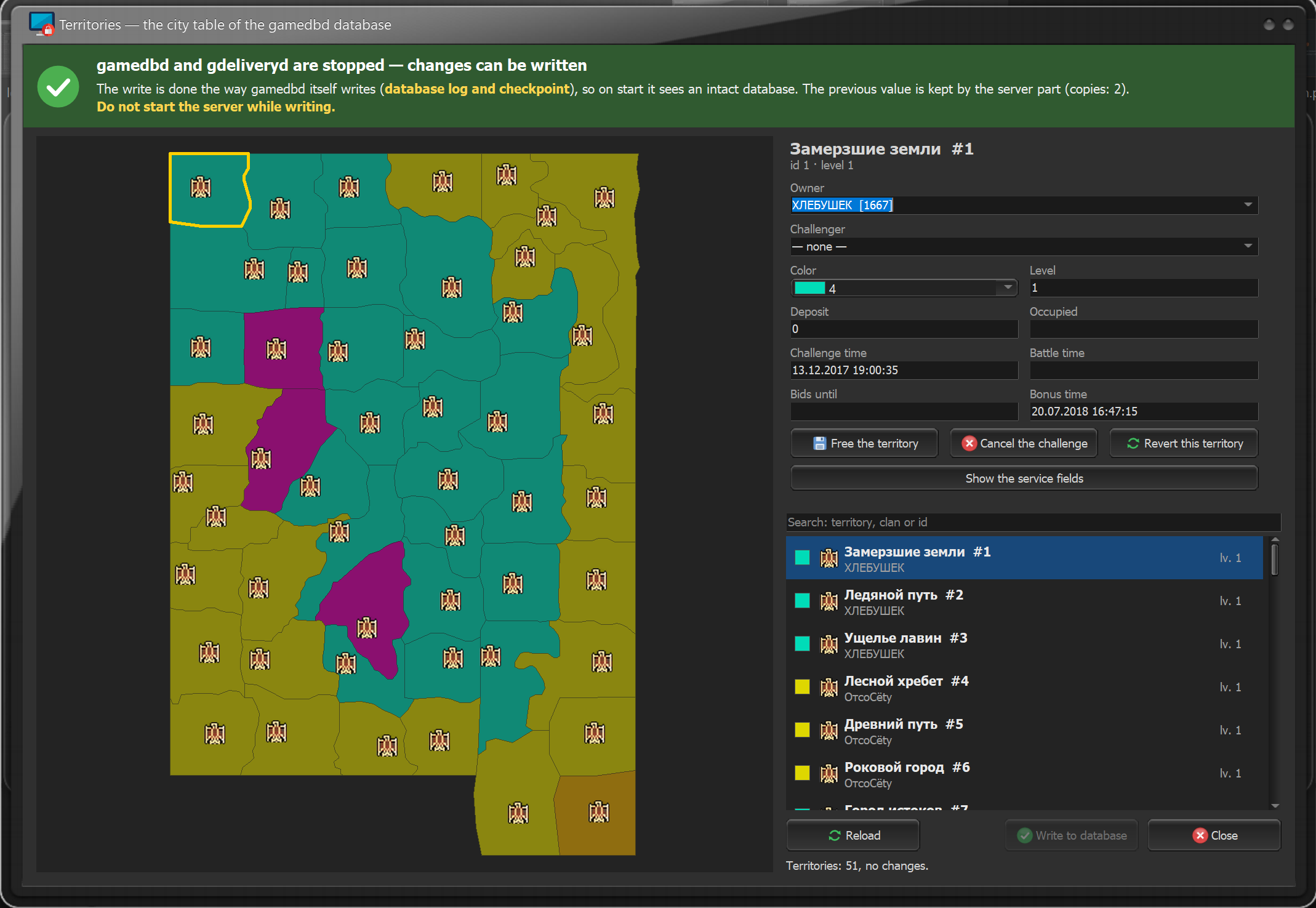
Process and logservice logs open right from the client. Search runs over the whole file on the server, by text or regular expression, with context around each match and highlighting. The territory editor shows the map in clan colors with clan icons; the owner, the challenger and the battle time are changed in the territory card.
New interface
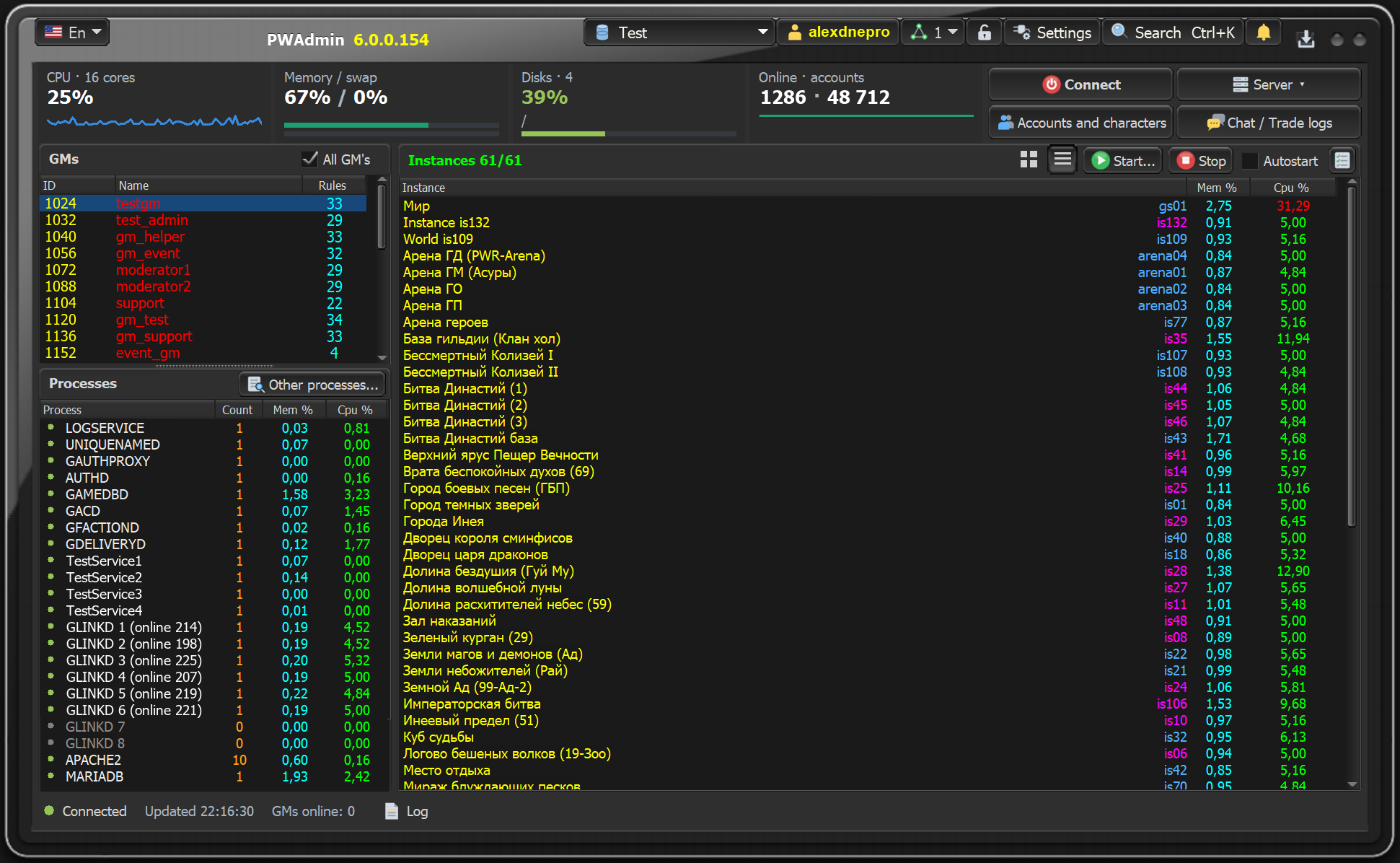
A 64-bit client with High DPI support, so windows stay sharp at any screen scale. A new main window with CPU and online charts, an event log and processes grouped by machine. Clan, server management, mail and other windows no longer block the main window. The language switches at once in every open window: English, Russian, Portuguese.
Updates and protection
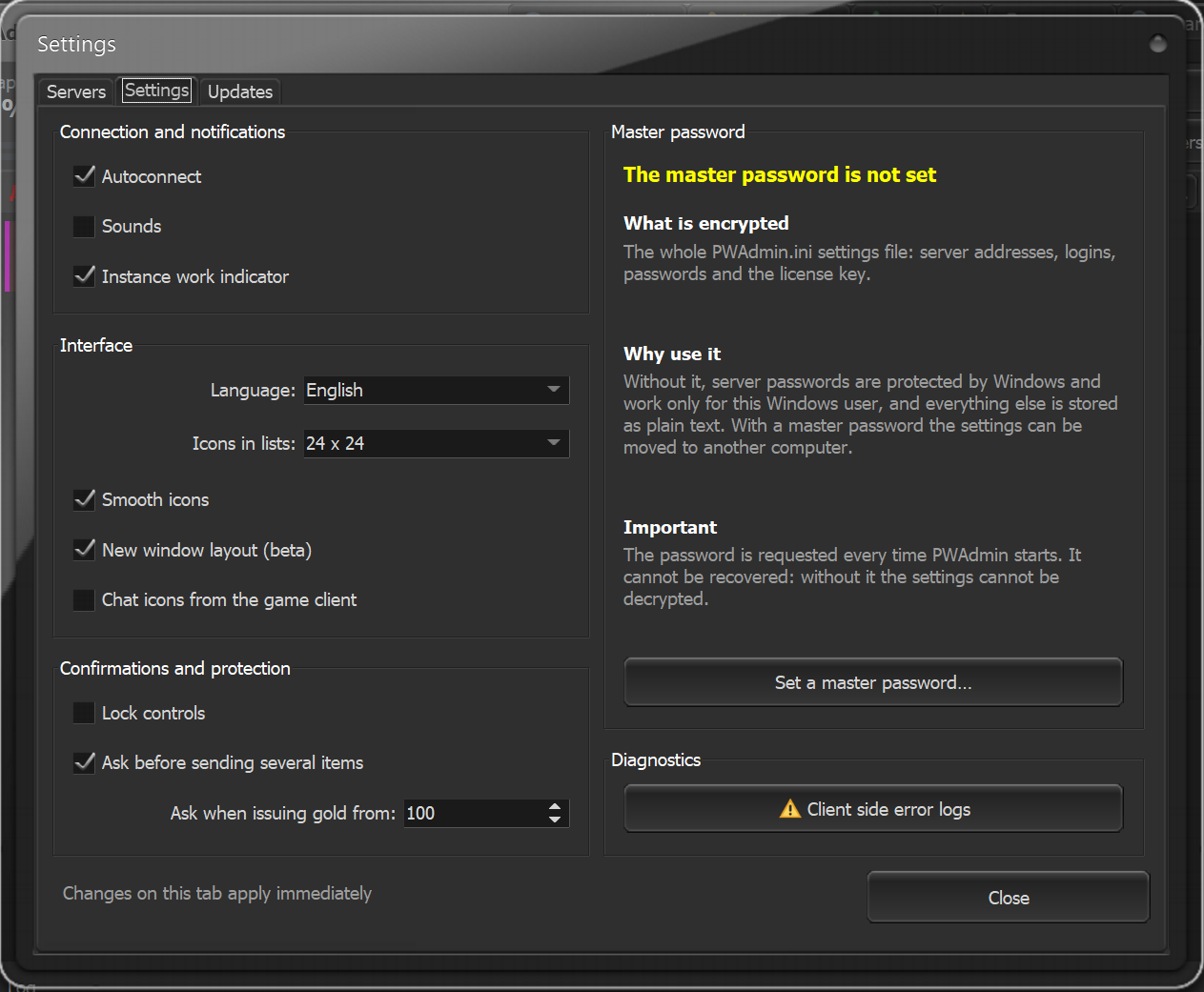
The client finds new versions itself, shows the list of changes and installs an update with one button. The server part and node agents are updated from the client and never go online themselves, and a build that fails to start is rolled back. The server part is a single file for any Linux x86_64, with no libraries to install. The client config can be locked with a master password: server addresses, logins and passwords are stored encrypted.
Main features
- Monitoring of machine load, online and GMs
- Start, stop and auto-start of the server, instances and processes
- Account and character search, login, password and e-mail changes
- Viewing and editing characters, storehouses, mail and clans
- Gold and GM rights, bans and mutes
- Sending items by mail: to selected players, everyone online, a clan, unique IPs
- Chat and trade logs, announcements and private messages
- Backups of the database and the whole server
- Territory and rate management
- Item generator and octet editors
Requirements
- Client: Windows, both 64-bit and 32-bit versions are included.
- Server part: Linux x86_64, a single file with no libraries to install.
- The 6.0 client and server part work only together. Your 5.2 configs fit: the 6.0 configs editor keeps all your settings.
A free version with limited features is available: viewing characters, accounts, clans and chat, bans, starting and stopping the server and instances, backups. More about PWAdmin 6 Free →